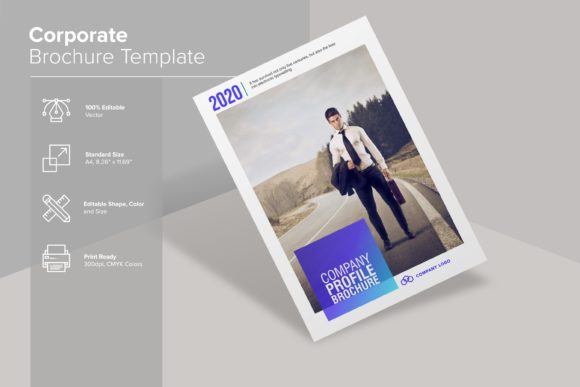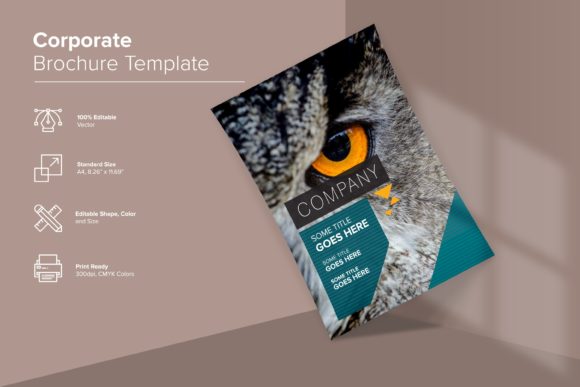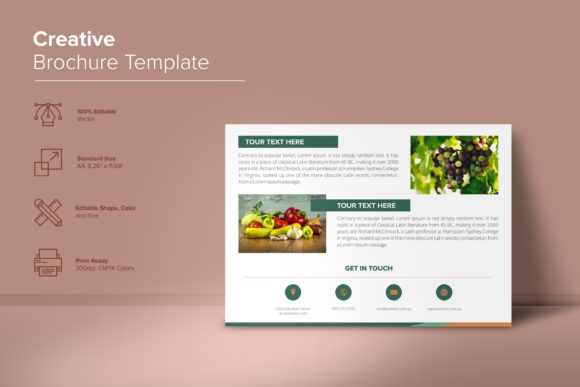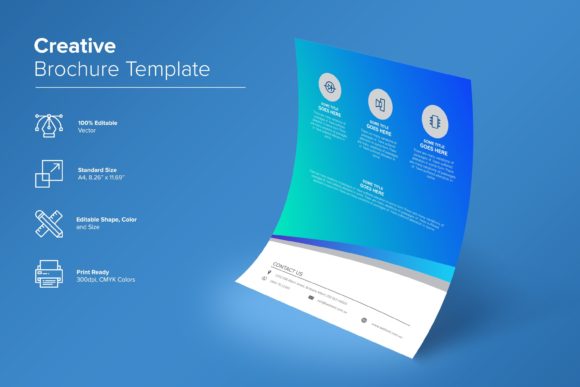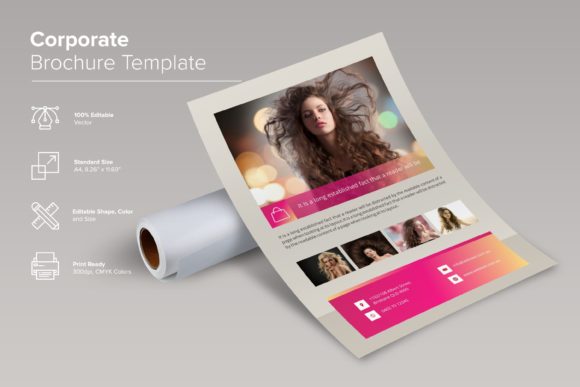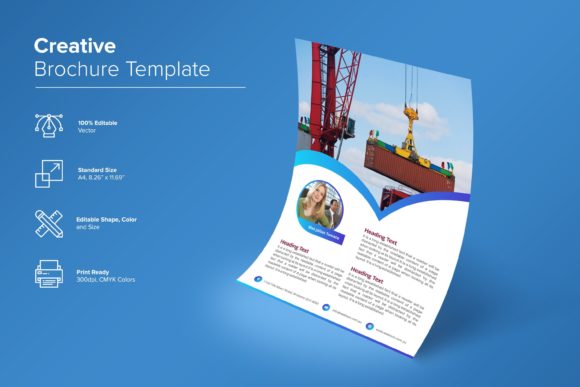
Construction Company Brochure Template
A Construction Company Brochure Template is a ready-to-use, professionally designed layout—built for clarity, impact, and credibility—that helps construction businesses introduce their services, showcase past projects, highlight team expertise, and build trust with clients—all in one cohesive, print- and digital-ready document.
It’s not just a collection of fonts and placeholders. It’s a thoughtfully structured framework: sections for company overview, service highlights, project portfolios (with space for high-res images), certifications, testimonials, contact details, and even QR codes linking to your website or virtual tour. Everything is organized to guide the reader’s eye—and decision—naturally.
Why This Matters—Depending on Who You Are
Small business owners and contractors often wear many hats. You’re managing bids, scheduling crews, handling permits—and still need to market yourself. A well-designed brochure builds instant professionalism without requiring design skills or hourly fees. With this template, you swap weeks of back-and-forth with a designer for under an hour of customization: swapping your logo, updating project photos, adjusting colors to match your brand, and printing locally—or sending straight to a client as a PDF.
Freelance designers and marketing freelancers serving trade businesses appreciate how cleanly layered and labeled the files are. Each section—header, service icons, photo frames, text blocks—is isolated and named. That means you can adapt it quickly for multiple clients, tweak typography for readability on site signage, or export individual elements for social media carousels. The inclusion of both AI and CDR files means you’re covered whether your client uses Adobe or Corel ecosystems.
Beginners and DIY marketers benefit most from simplicity and confidence. No guessing where to start. The template comes with clear instructions (in the Readme file), links to free, licensed fonts, and CMYK-ready settings—so what you see on screen prints accurately. You don’t need Illustrator mastery to change a color or update a headline. Even if you’ve only used Canva before, opening the PDF version gives you a reliable visual reference to replicate in your tool of choice.
What Makes This Template Actually Useful—Not Just Pretty
It’s easy to mistake “professional-looking” for “practical.” But usefulness shows up in small, intentional ways:
- Vector-based assets mean your logo scales flawlessly—from a tiny favicon to a 10-foot trade show banner—without pixelation. That matters whether you’re embroidering it on crew jackets or embedding it in a proposal deck.
- Fully layered Illustrator files let you adjust shadows, opacity, or spacing—not just swap text. If your roofing division needs bolder emphasis than your excavation work, you can visually weight those sections differently.
- 300 DPI + CMYK support isn’t just technical jargon—it’s what prevents muddy blues and washed-out greys when your brochure goes to press. Print shops expect this; skipping it risks delays or reprints.
- Free font links included remove licensing guesswork. No surprise copyright notices on your website or social posts—just clean, legal typography that reinforces your brand voice (trustworthy, grounded, precise).
Different Priorities—Same Template
A general contractor bidding on municipal work cares about compliance and credibility. They’ll use the “Certifications & Affiliations” section to spotlight OSHA 30, NAHB membership, or state licensing—positioning themselves as vetted and accountable. The clean, uncluttered layout signals competence—not flashiness.
A residential remodeler targeting homeowners leans into storytelling. They replace stock project captions with warm, specific language: “Kitchen renovation in Oakwood, 2023 — expanded island, custom cabinetry, energy-efficient lighting.” Paired with real before/after photos (not generic stock), the template becomes a conversation starter—not just a handout.
An educator teaching vocational construction programs might repurpose the template as a classroom assignment: students critique layout hierarchy, discuss why certain fonts improve legibility at distance, or debate how image selection shapes perceived expertise. It’s a real-world artifact—not a hypothetical case study.
A hobbyist building a side business (e.g., backyard deck installation) values speed and low risk. They download the package, open the PDF, copy-paste their phone number and three best photos into the editable fields, and email the result to five neighbors. No learning curve. No upfront investment. Just clarity—and momentum.
Where It Fits in Your Workflow—Not Just Your Branding
This isn’t a one-off design asset. Think of it as infrastructure:
- You use the same logo (vector AI/EPS files) across your Google Business profile, truck decals, and invoice headers—ensuring consistency without recreating anything.
- You drop the brochure PDF into your CRM as a follow-up attachment after a site visit—reinforcing next steps while keeping your brand top-of-mind.
- You extract the color palette (listed in the Fonts Txt and Readme) to guide your social media graphics, ensuring Instagram posts feel like a natural extension of your printed materials.
- You reuse the project layout structure in your website’s “Our Work” section—maintaining visual continuity between offline and online touchpoints.
That kind of cohesion doesn’t happen by accident. It happens when tools are built with cross-platform use in mind—not just as static designs, but as adaptable components.
Before You Customize—A Quick Check
Ask yourself:
- Do I have real project photos—or am I okay using placeholder space while I gather them?
- Do I know my primary brand colors (or am I comfortable picking from the included palette)?
- Will I print locally, share digitally, or both? (The template supports both—just choose JPEG for web, PDF/AI for print.)
- Do I need multilingual versions? (The layered files make translating text blocks straightforward—no redesign required.)
If most answers are “yes” or “I can figure that out,” this Construction Company Brochure Template fits. It doesn’t assume expertise—but it doesn’t limit growth either. Whether you’re handing out brochures at a home show next week or scaling to a 12-person firm in two years, the foundation holds.
And if something feels unclear? The support isn’t buried in fine print. Contact is direct, response times are prompt, and help includes practical guidance—not just file links. Because great tools shouldn’t come with confusion as a feature.